Three-Way Match Explained: PO, Receipt and Invoice
Academy · · 10 min read · Ledgerler Content Team
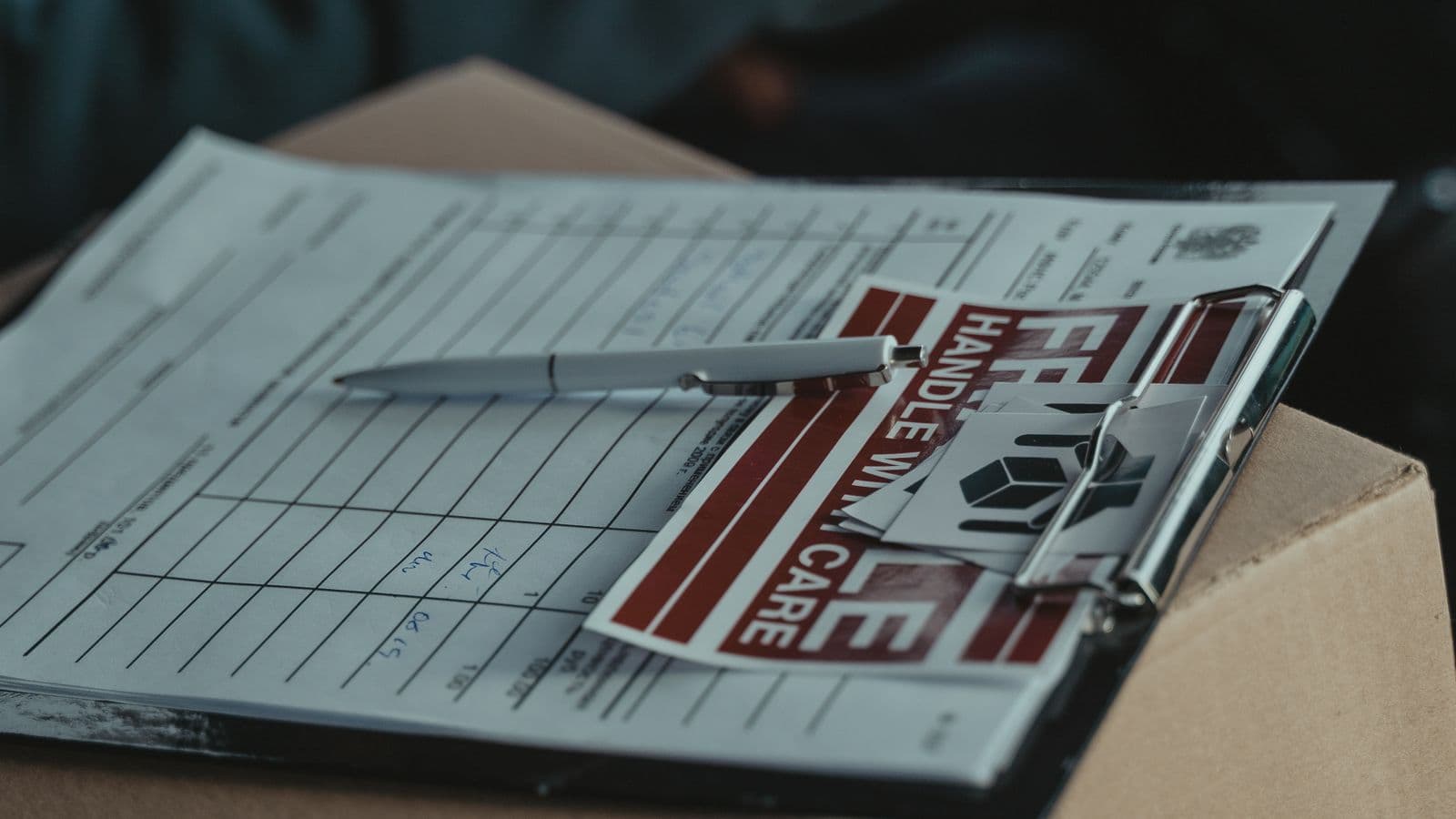
A three-way match is the accounts payable check that stops you paying for things you never received, or paying the wrong price for things you did. It compares the purchase order, the goods receipt and the invoice, line by line, before money leaves the business. Businesses without a matching control lose an estimated 2-5% of total AP spend to overpayments, duplicate invoices and billing errors that a proper match would have caught (Ardent Partners, AP Metrics That Matter in 2025). Here is exactly how the process works, how to set tolerances that do not bury your AP team, and what to do when the three documents will not agree.
Key takeaways
- Three-way match = purchase order + goods receipt + invoice, compared line by line.
- A sensible tolerance band, not a demand for perfect agreement, is what makes the process usable day to day.
- A mismatch becomes an exception or hold — the invoice does not get paid until someone resolves it, it is not simply rejected.
- Average invoice exception rates run around 22%, but best-in-class AP teams hold that to 9% with clear tolerance rules (Ardent Partners, 2025).
What is a three-way match, exactly?
Three-way matching is a payment verification step: before an invoice is approved, someone (or something) confirms that a supplier invoice is valid by lining it up against two other records (AccountingTools). The three documents are:
- Purchase order (PO). The record of what was ordered — item, quantity, agreed unit price, and the vendor who is meant to supply it.
- Goods receipt. Also called a receiving report or goods receipt note (GRN), this confirms what actually arrived: quantity received, condition, and the date it landed on the dock or was signed off for a service.
- Invoice.The vendor's bill, listing what they say they delivered and what they expect to be paid.
As Polina McLaughlin, a CFO and strategic advisor, puts it, matching strategies matter in the AP process "because you want to pay for what you've ordered and received" (Hyperbots interview). The three-way match exists specifically to catch the gap between those three things: ordered, received, and billed.
Two-way, three-way and four-way matching
Not every purchase needs the full three-way check. Two-way matching only compares the PO to the invoice — useful for services or low-risk purchases where a separate receiving step does not really exist. Three-way matchingadds the goods receipt, which is the version most businesses mean when they talk about "matching" in AP. Some larger organisations run a four-way match, adding a formal inspection or quality-acceptance document on top, usually for regulated goods or high-value capital equipment. For most small and mid-sized businesses, three-way matching on physical goods and two-way on services is the practical split.
How does three-way matching work, step by step?
Step 1: The purchase order is raised and approved
Before anything is ordered, someone raises a PO with the item, quantity and agreed price, and it gets approved by whoever holds budget authority. This PO becomes the baseline every later document gets checked against, so a vague or missing PO is where matching problems usually start.
Step 2: Goods or services are received and logged
When the delivery arrives, whoever receives it — a warehouse clerk, an office manager, a site supervisor — counts what actually turned up and logs it against the PO number. For a service, this step is a sign-off that the work was done, not a physical count. This record is what makes three-way matching stronger than two-way: it is an independent check that the goods genuinely exist, not just that a vendor says they sent them.
Step 3: The invoice arrives and is coded to the PO
The vendor sends an invoice, ideally referencing the PO number. AP staff (or an OCR/AI capture tool) code it against the correct purchase order and cost centre, ready for comparison.
Step 4: The three documents are compared
Quantity, unit price and line total are checked across all three records. In a manual process this is someone with three documents open side by side; in an automated one it is a rules engine comparing structured data pulled from the ERP or AP platform. Either way, the question being asked is the same: does what we ordered, what we received and what we are being billed for actually line up?
Step 5: Matching invoices move to payment; mismatches go on hold
If every line is within tolerance, the invoice is approved for the next payment run, sometimes with no human touch at all. If a line falls outside tolerance, it becomes an exception and is routed to a reviewer instead of being paid. Nothing gets paid on a mismatch; it waits.
Worked example: a PO, a receipt and an invoice that (mostly) agree
A small distributor orders 500 units of packaging film at $12.00 each on PO #4521, total $6,000.00. The warehouse receives the delivery two weeks later and logs goods receipt GR-1187 — but only 480 units arrive, with the vendor's delivery note citing a shortage at their end. The vendor then invoices for the full 500 units at $12.00.
| Document | Quantity | Unit price | Line total |
|---|---|---|---|
| Purchase order #4521 | 500 units | $12.00 | $6,000.00 |
| Goods receipt GR-1187 | 480 units | — | — |
| Vendor invoice INV-98213 | 500 units | $12.00 | $6,000.00 |
Worked example: PO #4521, packaging film, at a 5% quantity tolerance.
The quantity gap is 20 units, or 4% of the order. With a 5% quantity tolerance in place, this would normally auto-approve. But because the receiving note explicitly flags a vendor-side shortage, a sensible policy still routes it for a quick check rather than trusting the percentage alone. The reviewer confirms only 480 units arrived, asks the vendor for a corrected invoice for 480 units, and payment goes out on the true figure.
That $240.00 is small on a single order, but it is exactly the kind of leakage that compounds across hundreds of invoices a month if nobody is checking receipt against invoice at all.
Setting tolerances that do not bury your AP team
A tolerance is the acceptable gap between two figures before the system stops calling it a match. Set it to zero and almost every invoice becomes an exception, because real-world deliveries rarely land on an exact number — a pallet runs one case short, a price rounds differently after a currency conversion. Set it too wide and the control stops meaning anything. A workable tolerance policy is usually built as a small table of rules, not one number for everything.
| Variance type | Typical tolerance | Why |
|---|---|---|
| Price, standard/catalogue items | 2-5% or a fixed $ cap | Absorbs minor rounding or FX movement |
| Price, contracted/fixed items | 0% | Price was agreed in writing; any change needs sign-off |
| Quantity, bulk or perishable goods | 3-5% | Weight, spoilage and count variance are normal |
| Quantity, serialised or capital items | 0% | Every unit should be individually accounted for |
Common starting-point tolerance bands for small and mid-sized businesses; adjust to your own order sizes and risk appetite.
Setting a tolerance of, say, 1% or a few dollars prevents small rounding differences from creating pointless bottlenecks and keeps the AP team's attention on discrepancies that actually matter (Ramp). Review the bands every quarter or two — if a huge share of invoices sit right at the edge of the tolerance, that is usually a sign the number needs adjusting, not that suppliers have suddenly got worse at counting.
What happens on a mismatch: the exception and hold process
When a line falls outside tolerance, three things should happen automatically, whether your process is manual or software-driven:
- The invoice is held, not rejected. It stays open in the system, unpaid, pending resolution. Rejecting it outright just loses the paper trail.
- It is routed to a named owner. Usually the person who raised the PO or the receiving location, since they are best placed to say whether the receipt or the invoice is the one that is wrong.
- The cause is investigated and closed out. Common outcomes are a corrected invoice from the vendor, a credit memo for a shortage or damaged goods, a partial payment for the portion that did match, or — occasionally — a correction to the receiving record itself, if that was the error.
Why exceptions pile up in manual processes
A composite example: catching a duplicate before it pays out
A mid-sized contractor's AP clerk, working through the weekly payment run, sees an invoice from an electrical supplier for $4,180.00 against PO #7702. The PO and goods receipt both check out — but the system also flags that an invoice with the same amount and the same PO number was already paid eleven days earlier. It turns out the supplier's accounting system re-sent the invoice after a system migration, and nobody on their side noticed. The three-way match itself did not catch this (that PO was already fully consumed), but pairing it with a simple duplicate-invoice check meant the second payment never went out. That is the kind of layered control a three-way match works best alongside, not instead of.
AP automation and why matching is worth systemising
None of this requires expensive software to start; a spreadsheet with PO, receipt and invoice columns will do it for a low volume of purchases. But as invoice volume grows, manual three-way matching becomes the single biggest time sink in AP, and it is exactly the kind of rules-based, repetitive comparison that automation handles well: pulling structured data from each document, applying your tolerance table, and only surfacing genuine exceptions to a human. That is also the logic behind a broader reconciliation and close process — the same discipline of separating routine, timing-driven differences from real errors shows up in bank reconciliation and accounts receivable reconciliation too.
Building three-way matching into your close
Whatever tooling you use, three-way matching works best as a scheduled discipline rather than a once-in-a-while clean-up. Run it as invoices arrive, not in a batch at month end, so exceptions get resolved while the PO and receipt are still fresh in someone's memory. Add a line for outstanding AP exceptions to your month-end close checklist, so nothing sits unresolved for a full accounting period. If you are weighing whether a dedicated close platform is worth it as volume grows, our comparisons of FloQast and BlackLine cover how AP controls like this typically fit into a wider close workflow, and our guide to speeding up month-end close walks through where matching sits alongside bank and AR reconciliation. For a lighter-weight starting point, the reconciliation template library includes a simple three-way match tracker you can adapt today.
FAQs
What is a three way match in accounting?
A three-way match is an accounts payable control that compares three documents before a vendor invoice gets paid: the purchase order (what was ordered), the goods receipt (what actually arrived), and the invoice (what the vendor is billing for). If the quantities and prices agree within an allowed tolerance, the invoice moves to payment. If they do not, it is held as an exception until someone resolves the difference.
How does three-way matching work?
An AP clerk or an automated system pulls the purchase order, the receiving record and the invoice for the same transaction and lines them up field by field: item, quantity, unit price and total. Matching lines are approved automatically or with light review. Lines outside the tolerance band are routed to a hold queue for someone to chase with the vendor or the receiving team before payment is released.
What is the difference between two-way and three-way matching?
Two-way matching only compares the purchase order to the invoice, checking price and quantity ordered against price and quantity billed. It skips the receiving step, so it cannot catch a vendor billing for goods that never arrived. Three-way matching adds the goods receipt, closing that gap, which is why most businesses reserve it for physical goods, larger dollar amounts or new suppliers.
What happens when a three-way match fails?
A failed match, usually called an exception or a hold, stops the invoice from being paid automatically. It gets flagged to a named reviewer, typically the buyer or AP team member who raised the PO, who investigates whether the receiving record is wrong, the invoice is wrong, or the order itself changed. The invoice stays on hold, and the vendor is not paid, until someone resolves the cause and either approves it, asks for a corrected invoice, or requests a credit memo.
What tolerance should I set for three-way matching?
Most small and mid-sized businesses start with a price tolerance of around 2-5% or a small fixed dollar amount (such as $25 or $50), and a quantity tolerance of around 5% on bulk or perishable goods, with 0% tolerance on contracted or fixed-price items. The right number depends on your typical order size and how much manual review your AP team can absorb; too tight and everything becomes an exception, too loose and it stops catching real errors.
Three-way matching is one control among several that keep your books honest. If you are building out the rest of your close process, see our pricing for how Ledgerler fits alongside AP matching in a full month-end routine, or start with the guide to giving your AI bookkeeper a reconciliation tool if exceptions are eating more of your week than they should.